We are aware that some patients have not been receiving messages we have sent. After discussing this with the provider, they have advised that patients check their settings to ensure our messages have not been marked as spam or filtered out.
How to Manage Filtered Messages
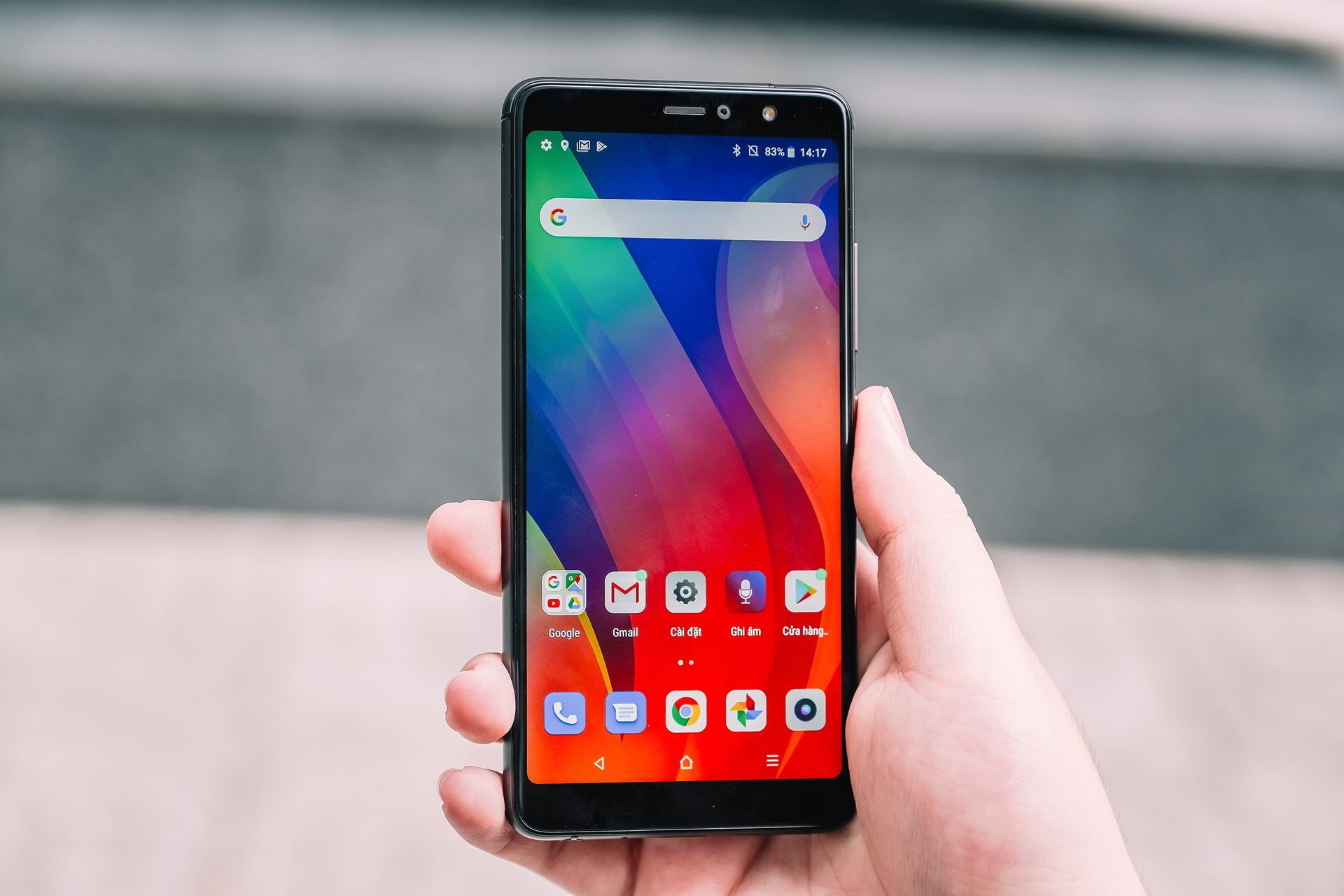
You can access and manage your filtered messages within your phone's settings:
On iPhone (iOS):
-Open the Settings app.
-Scroll down and tap Messages.
-Tap Unknown & Spam (or Text Message Filter).
-Toggle on Screen Unknown Senders.
-In your Messages app, you will now see a Filters option at the top left, allowing you to switch between "All Messages," "Known Senders," and "Unknown Senders".
-To mark an "Unknown Sender" as known, tap the message and then tap Mark as Known.
On Android (Google Messages):
-Open the Messages app.
-Tap your Profile picture or the three dots menu (top right).
-Tap Messages settings, then Spam protection.
-Check if Enable spam protection is turned on.
-Filtered spam messages are typically found in the Spam & blocked folder accessible from the main menu. You can review them there and mark legitimate messages as "Not spam".